




Just a teaser of a small thing I’m working on.
Our amazing meta-meta-builder tool kde-builder (just
like its predecessor kdesrc-build) is indispensable if
you’re building many KDE things from source.
The only problem I have with it is that it is overly verbose. It generates ~10 lines of text for each project it compiles. This requires a lot of scrolling for people with a slight OCD (like me) that want to keep track of everything built and everything that failed to build while the tool is working.
For this reason, I wrote a Python (go figure, me and Python) script
that processes the output from kde-builder and renders it
in a terse single-page dashboard.
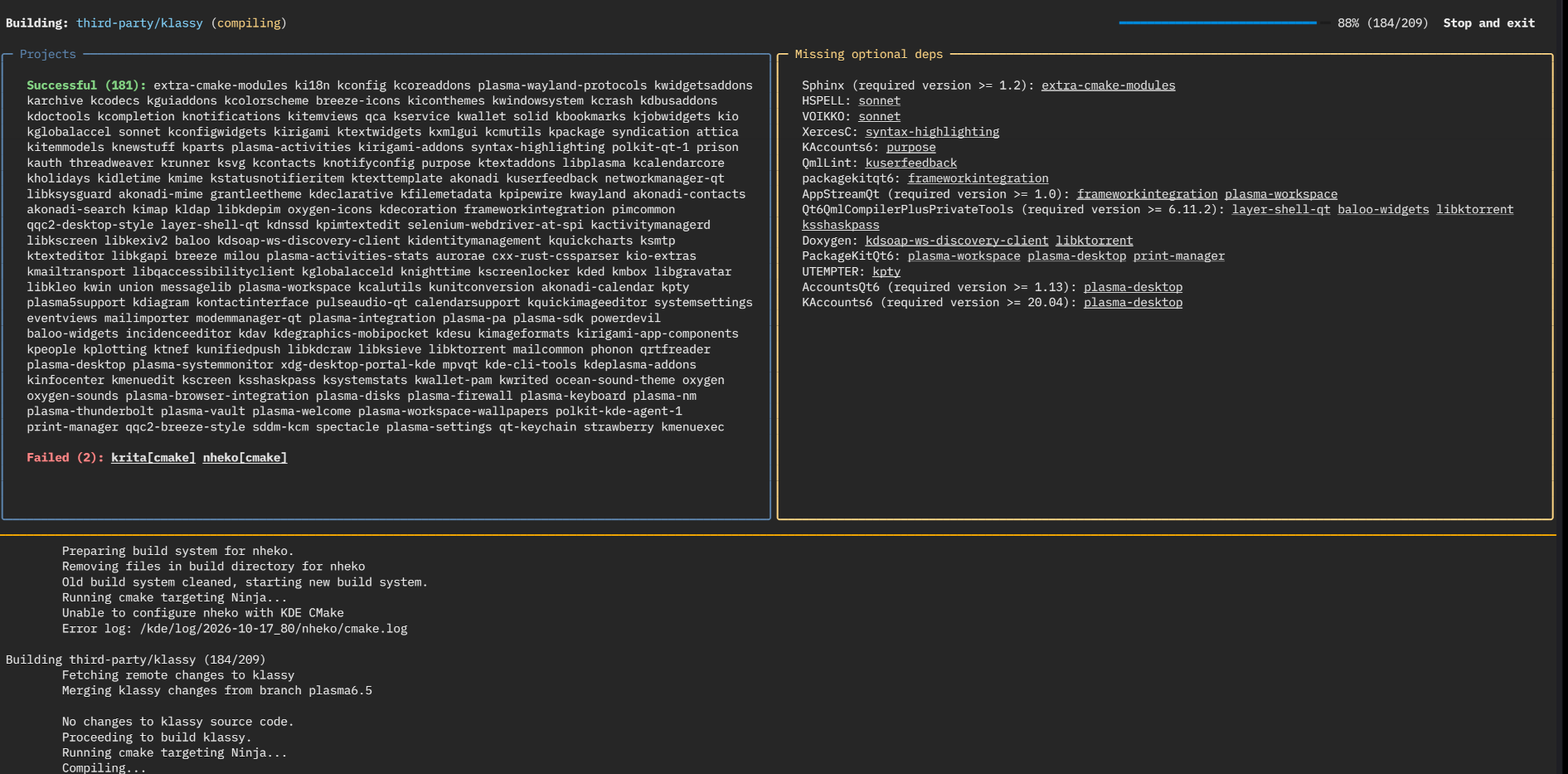
The dashboard shows the project that is currently being built, a list of projects that failed to build and a list of projects that were built successfully. It also collects all optional dependencies that different projects reported as missing and lists which projects have those dependencies.
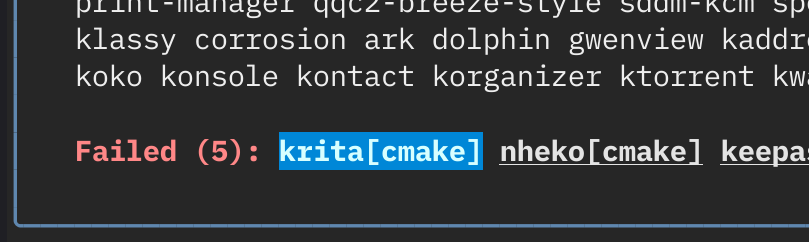
It also allows for an easy access to build logs – just click on the
failing project, and it will open its error.log in
$PAGER (in a separate TMUX tab if you are using TMUX).
Similar to this, if you click on a project that reported some
optional dependency, it will open cmake.log so that you can
see all the dependencies that project has.

I’ll publish it to invent when I clean up the code a
bit, and when I fix some of the remaining issues.