Some time ago I wrote
about the possibility to make activities private, that is, to encrypt
the files that relate to it. And, I wrote it will be available in KDE SC
4.9
In short, it will not. You’ll need to wait, or risk
your data.
Status
Essentially, the encryption works. There are also some neat features
like if your screensaver is started, the current activity (if marked as
private) gets automatically locked. Only one activity is unlocked at a
time - it is automatically locked when you switch to another activity.
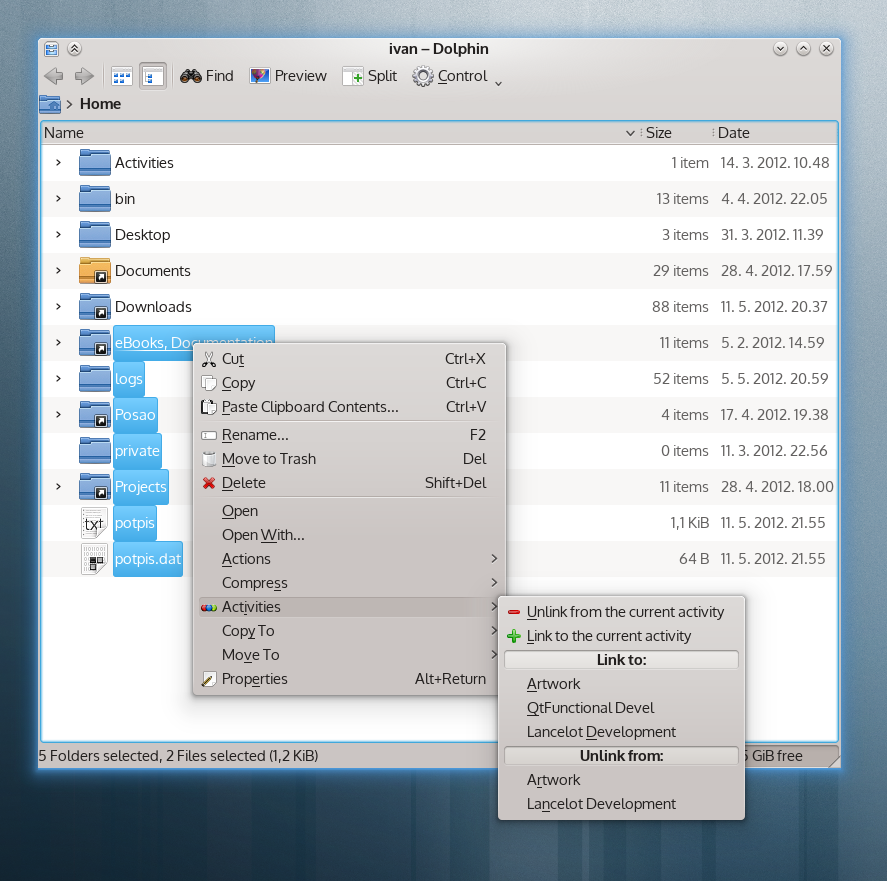
The files/documents you link to a private activity are automatically
moved into the encrypted filesystem and removed from the original
location. And so on…
So, what doesn’t work?
There’s no UI to set the activity as private (at least, not in the
Plasma Desktop). And this is intentional. Security is not something that
I take for granted. Anything related to privacy needs to be tested by us
before we push it into the hands of ordinary users.
This means that the implementation is there, and is present in 4.9,
but it is not available to you if you don’t plan to experiment and get
your hands dirty.
What are the known issues?
The files on the encrypted partition are (without custom patches to
kdelibs and co.) not treated any special by Nepomuk. This means that
either (1) the files will be indexed as if they were public, (2) the
will not be visible to nepomuk at all (which would render the /link to
activity/ useless) or (3) the files will be in nepomuk without any
sensitive data and without the possibility to be reindexed. This is not
something that I’m satisfied with, and I’m considering it a big release
blocker.
I want to try it anyway!
If you are sure that you want to use this feature now, and want to
avoid the issues mentioned above, you can do the following:
# get the uuid of the current activity:
qdbus org.kde.ActivityManager /ActivityManager \
      CurrentActivity
# use that result in the following line:
qdbus org.kde.ActivityManager /ActivityManager \
      SetActivityEncrypted UUID-of-the-activity 1
You’ll be asked for the password to use for the encryption.
When this is done, the FUSE encfs system will be set up and you’ll be
able to use it. But do use it directly - save files in the encrypted
folder manually, delete them manually and so on. Do not /link files to a
private activity/ don’t mark as private an activity that already has
some files linked to it.
If you follow the above, you will not experience any nepomuk indexing
related issues, while being able to keep sensitive data encrypted.
Edit:
KIO
Previously mentioned
KIO slave is able to browse the private activities, so you have no
need to know where the activity manager mounts the encrypted
filesystem.